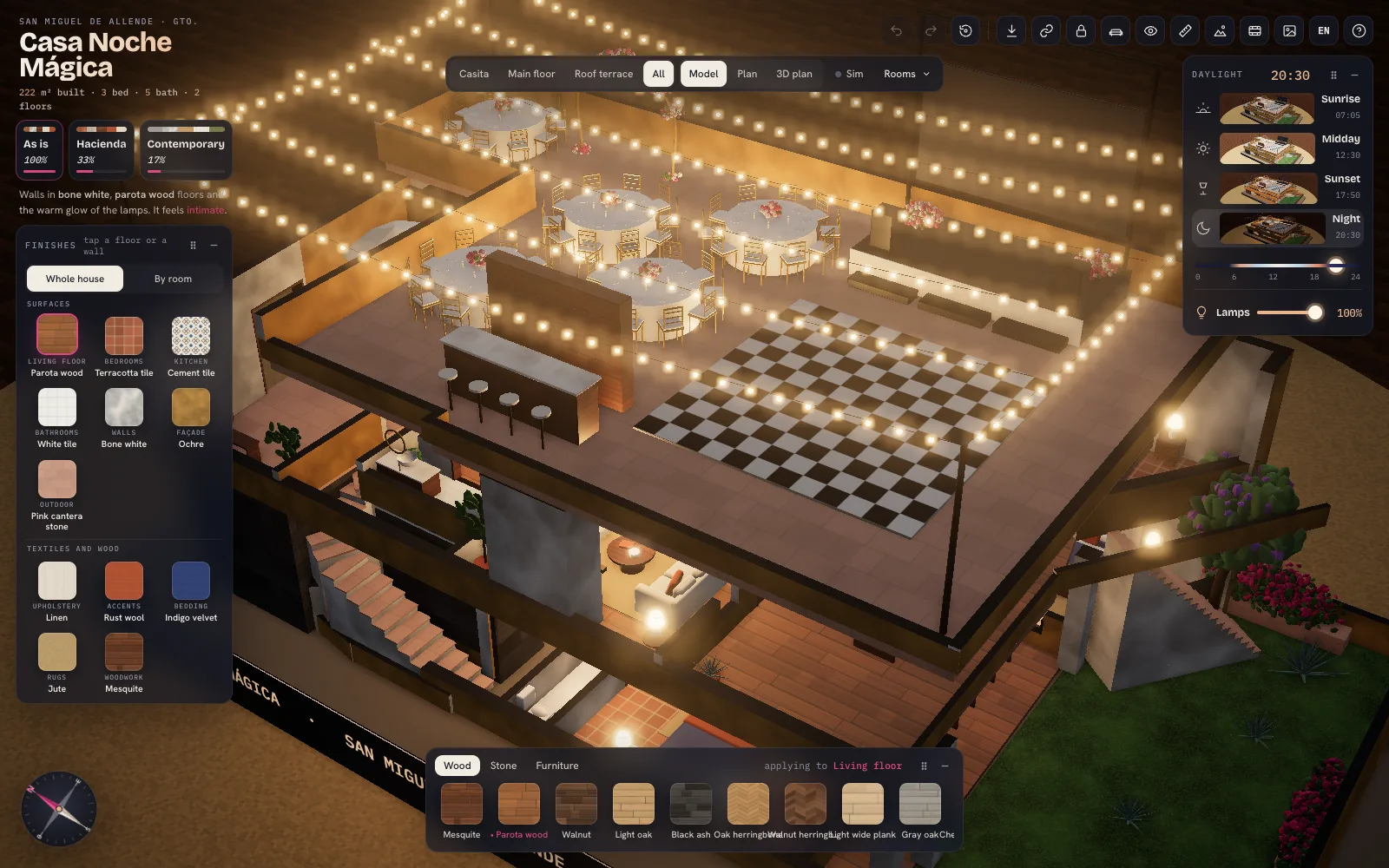
Colors & finishes in one tap
Wood, stone, tile, textiles and wall colors. Ready-made styles like Hacienda or Contemporary, or tune every room.
AI floor plan → editable 3D · Beta
Upload one image per floor, house or building. In under 7 minutes you get a fully editable 3D model your clients can explore, share and embed on their own websites.
One image per floor. House, building or event venue.
Walls, doors, windows, stairs and real dimensions. Furnished. Under 7 minutes.
Real screenshot · no mockup
A living, lit 3D model of the property: tap a floor to change its finish, scrub the daylight from sunrise to night, open each room and swap furniture.
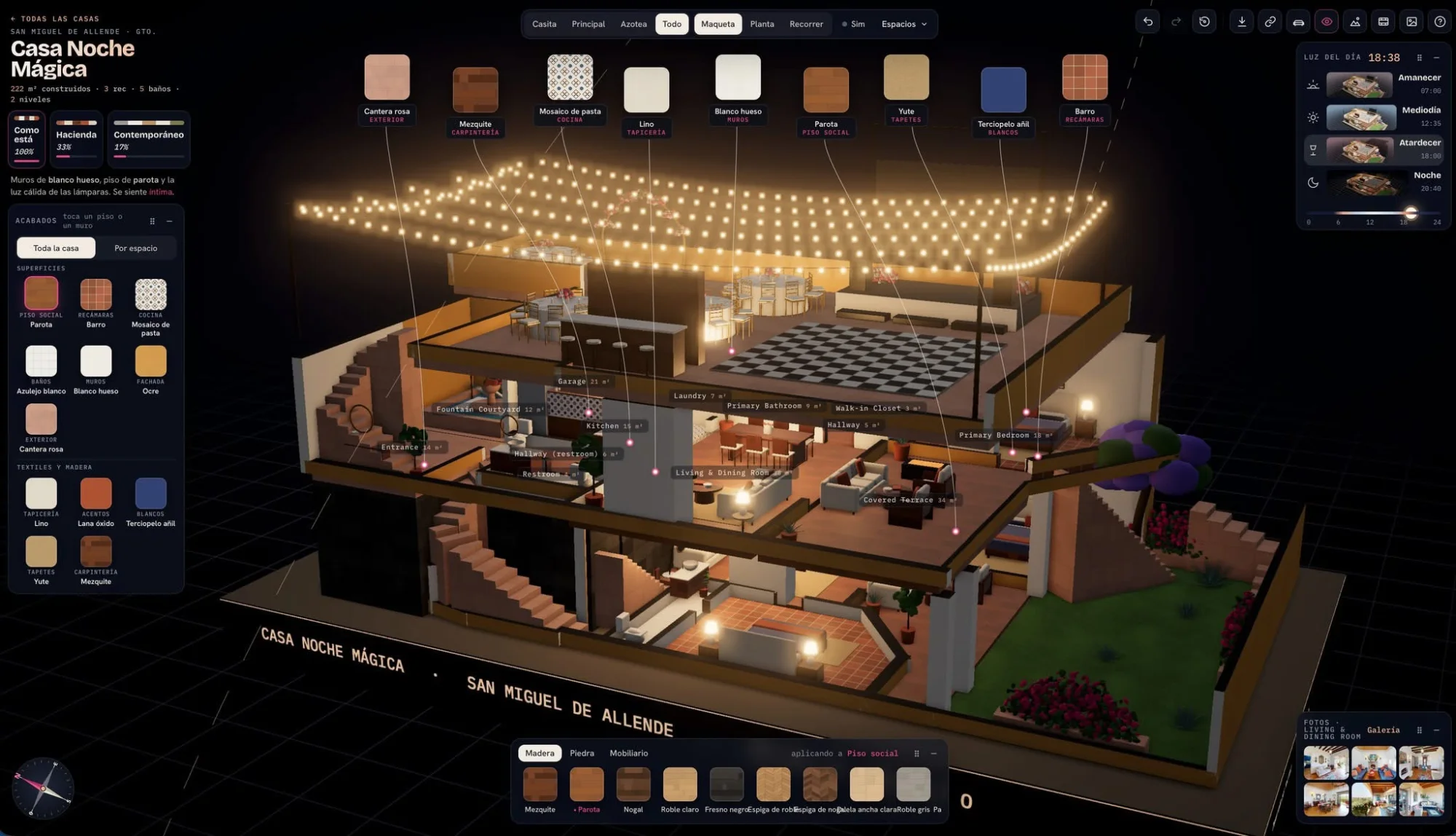 Finishestap a floor or wall
Daylightsunrise → night
Rooms + m²read from your plan
Materialswood, stone, furniture
Play with Casa Noche Mágica, liveOpens the real viewer at 6:45 pm in the forest. Change finishes, light and furniture.
Live examples
Homes, developments, event venues and buildings made with Planto3D. Change finishes, light and furniture right in your browser.
Home
Casa Noche MágicaTwo levels, rooftop terrace with a banquet setup.Open live →
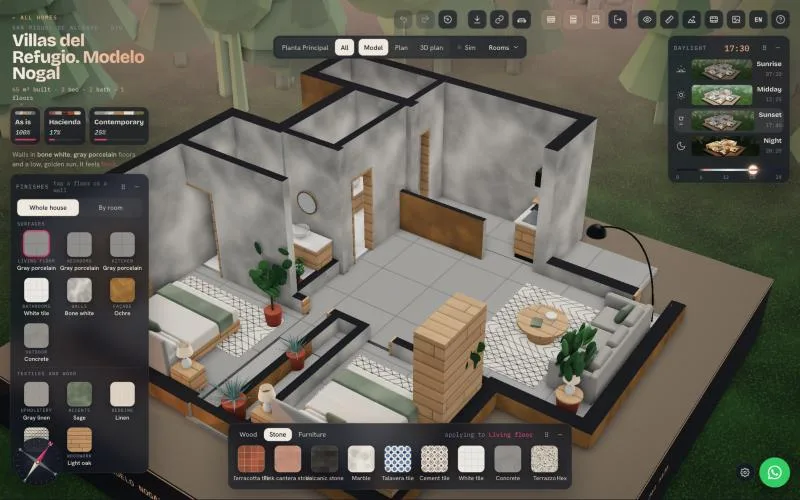 Developer · Casas Ponty
Villas del Refugio · Modelo NogalA model home for a residential development, furnished from its photos.Open live →
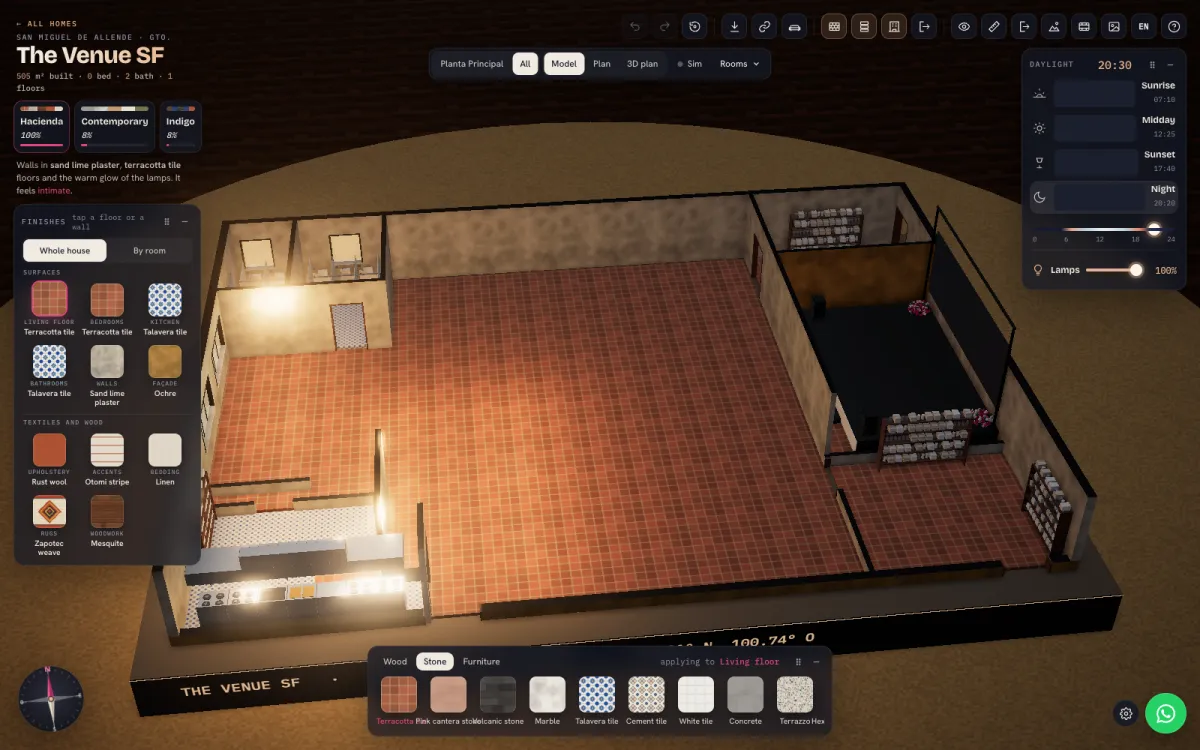 Event venue
The Venue SFHall with bar, kitchen and service area, ready for setups.Open live →
 Event venue
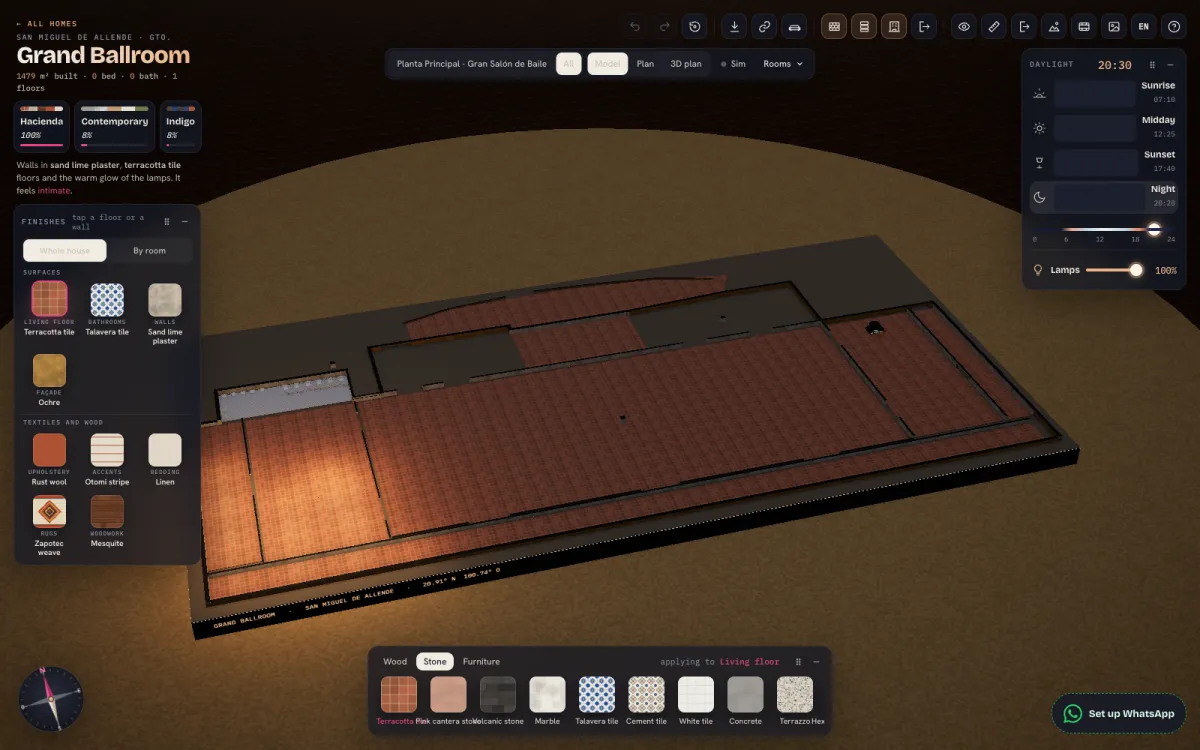
Grand BallroomA large ballroom to plan banquets, stages and dance floors.Open live →
 Building
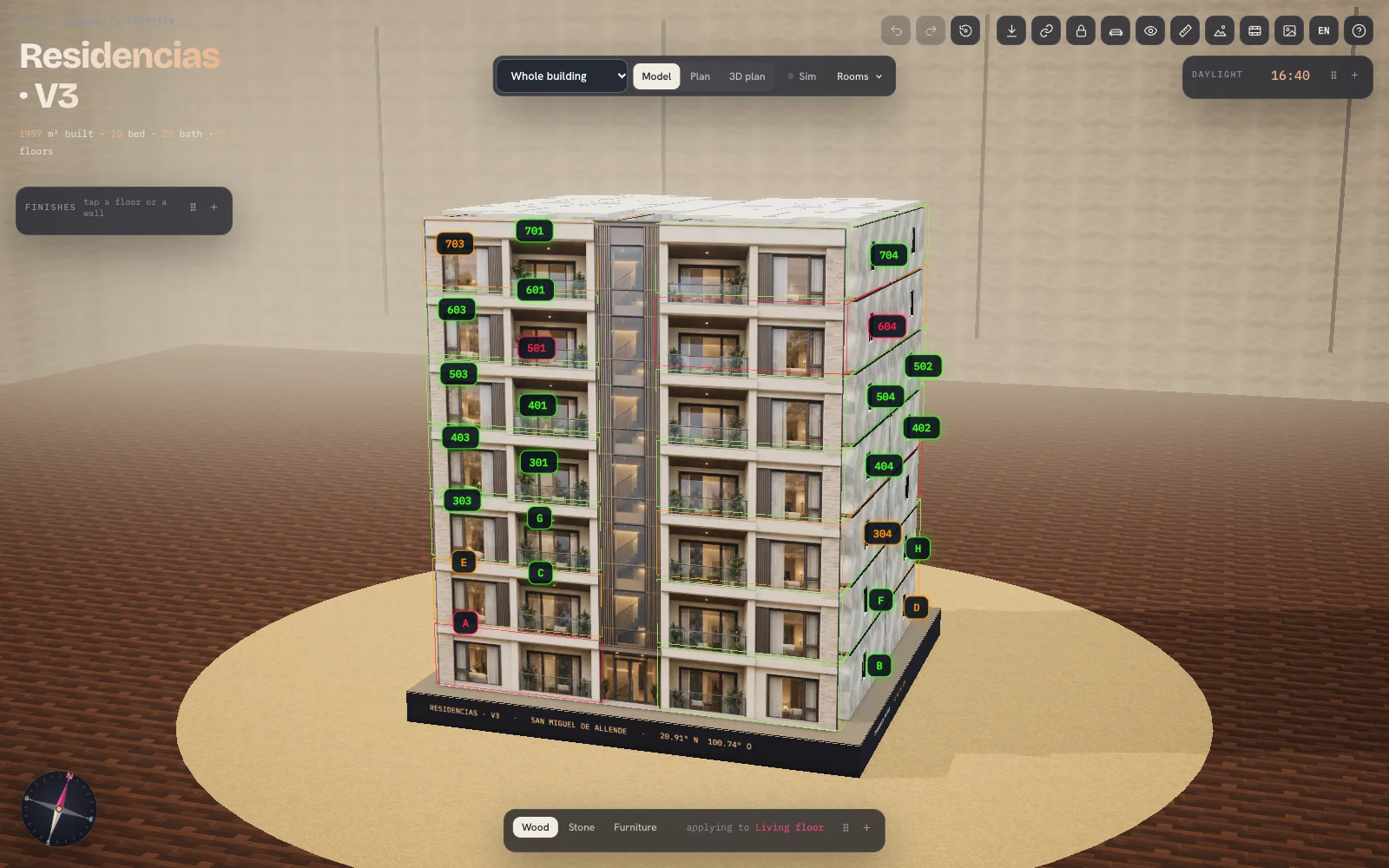
Residencias · V3Seven floors, 28 apartments with availability labels.Open live →
18 seconds
Illustrative video. The real viewer is shown in the screenshots above.
How it works
One image per floor (JPG, PNG or PDF). House or building. Optionally mark stairs, entrance and one real measurement.
It reads walls, doors, windows, stairs and written dimensions, sets the real scale, aligns the floors and furnishes every room. Under 7 minutes.
Change colors and furniture, fix any wall, stack floors into a building. Send the link or embed it on your client's site.
Everything included
Wood, stone, tile, textiles and wall colors. Ready-made styles like Hacienda or Contemporary, or tune every room.
Every room is furnished automatically. Move, swap or remove any piece.
Real sun position by hour, warm lamps at night. The model sells the mood.
Draw one typical floor and multiply it into a tower. Mark units as available, reserved or sold.
Drag walls, room and unit outlines, stairs and doors. Undo anytime.
A short link with preview for WhatsApp and social, plus an iframe for any website.
Put your agent's number on the model so interested buyers reach you in one tap.
For venues and restaurants: simulate how people reach the exits.
English, Spanish, German, Chinese and Korean for your international buyers.
Real screenshot
Developers & brokers
Upload the floor plan of each level, or one typical floor and multiply it. Outline each apartment, give it a number and a status, and let buyers explore the building floor by floor.
Event venues
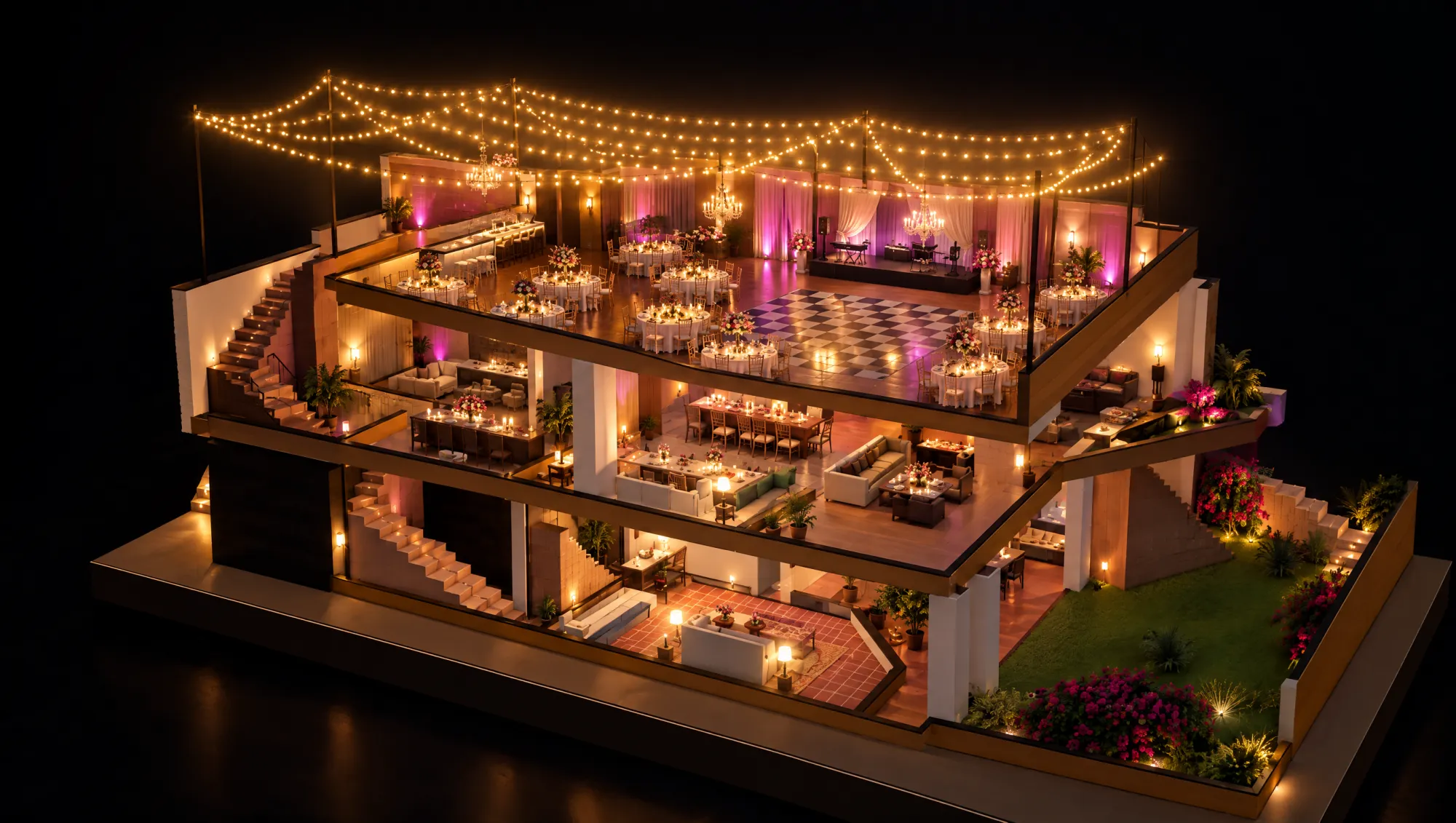
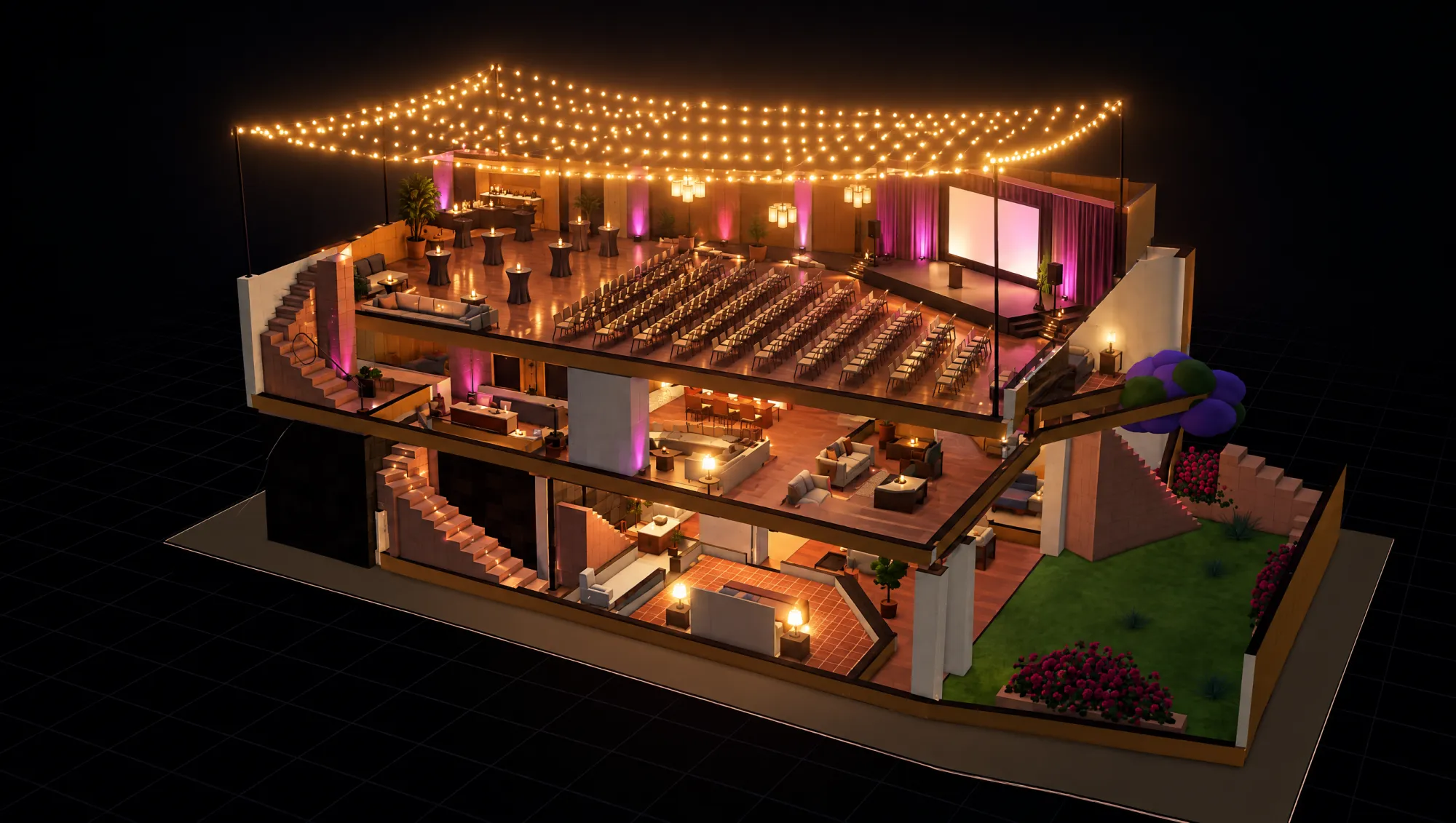
Halls, gardens and rooftops: switch the same space between setups in seconds and let your client see guests, tables and the dance floor before signing.
 Illustration
Resell it to your clients
Every model has a short link with a rich preview for WhatsApp, email and social media. Your clients can paste one line of code to put the interactive 3D model on their own website.
<iframe src="https://www.planto3d.homes/c/your-model"
  width="100%" height="560" style="border:0;border-radius:16px"
allow="fullscreen" loading="lazy"></iframe>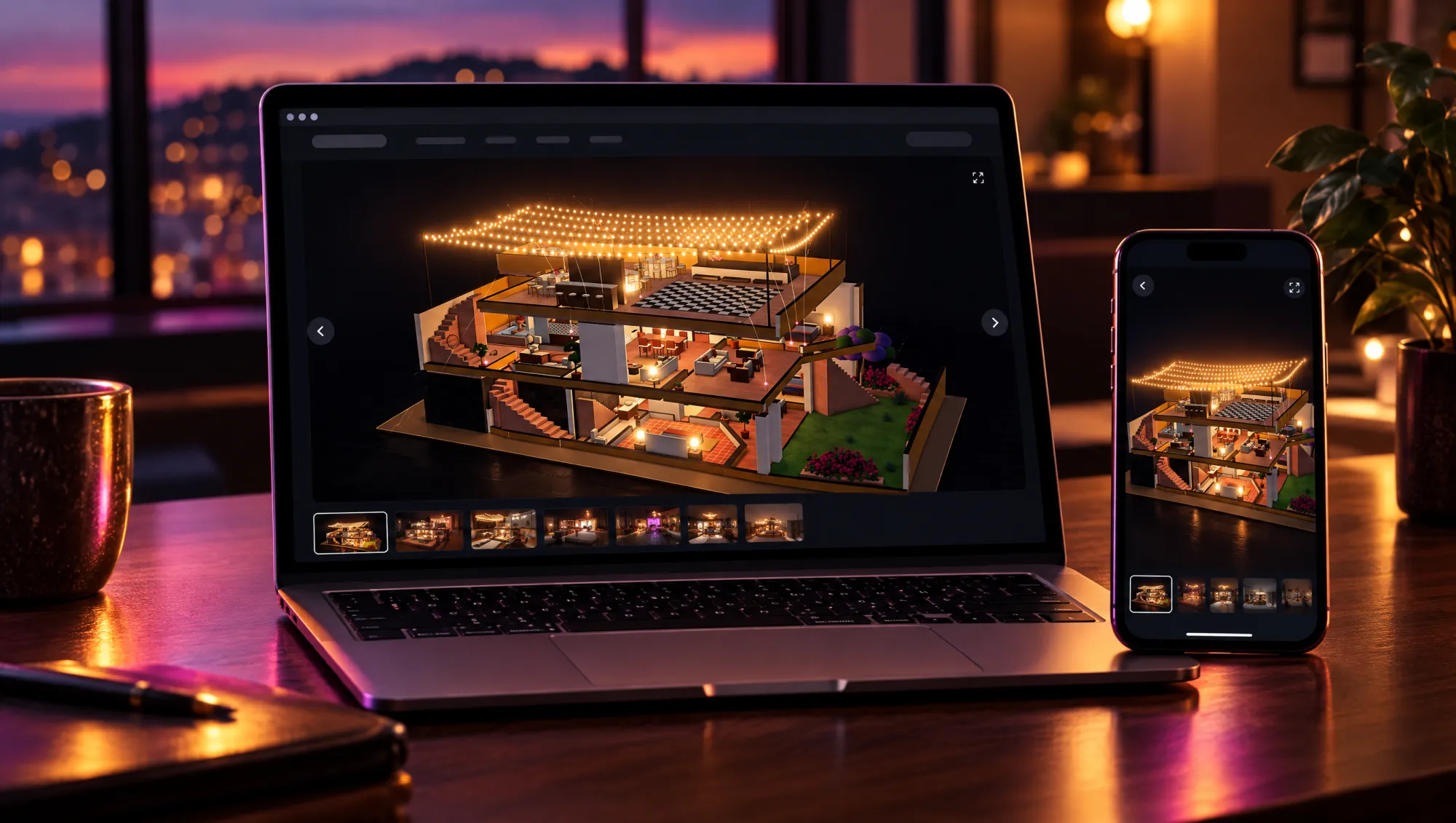 Illustration
Simple pricing
No subscription. Each model includes its first year of hosting, added to your PayPal total before you pay.
$149.99 USD
Total today $154.98
I'm interested$199 USD · $99.50 per plan
Total today $208.98
I'm interestedHosting renews at $4.99 per model per year. We remind you by email 15 days before it expires, with a PayPal link. Buy more plans anytime from your portal.
Secure payment with · debit or credit card through PayPal, no PayPal account needed
Best results
One property: a house, or a building with its floors. Upload one image per floor in the same processing.
No. Each plan is processed with AI once. If something fails midway you can resume without spending another plan. After publishing, you edit the model manually with no limits.
Hosting is $4.99 per model per year. Fifteen days before it expires you get one email and a notice in your portal with a PayPal link to renew.
Yes. Every model has a share link and an embed code. Your clients can paste it on any website.
With PayPal, or with a debit or credit card through PayPal's secure checkout. You'll see the hosting line and the total before paying.
Yes. Choose "event venue" when you upload, then place and switch setups (banquet, theater, cocktail, dance floor) and check exits.
Sign in with Google, pay with PayPal and upload your first plan in minutes.